

Community Room: How To Wirelessly Connect To Projector

Jan 06, 2026
532

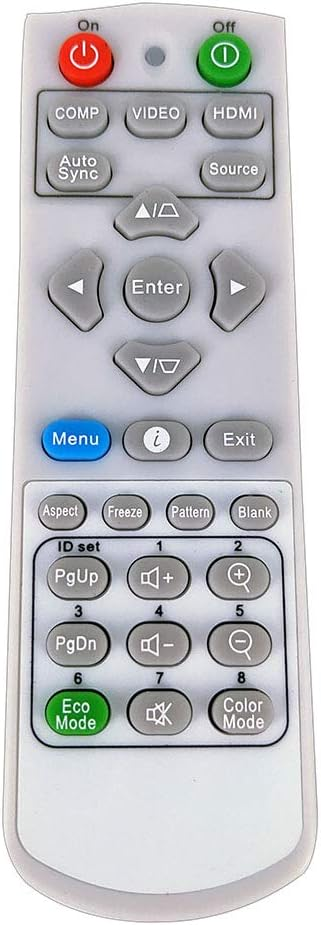
1) Power the projector on by pointing the Viewsonic remote towards the projector and pressing the ON button. It may take a few seconds for the projector to turn on.
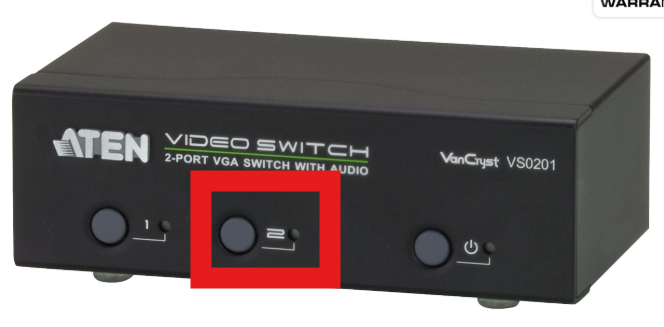
2) Next, click the 2nd video output button on the ATEN video switcher. Make sure the lights on the power button and 2 are lit:
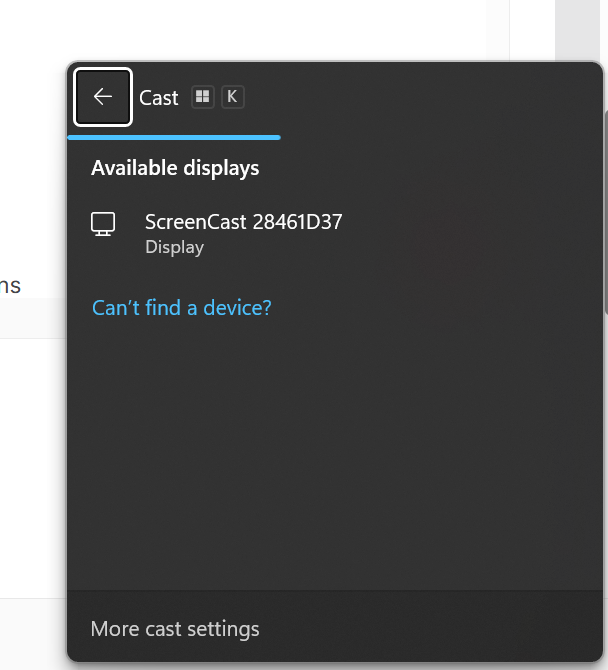
3) Press Windows + K on your keyboard to show the Casting options. Select ScreenCast 28461D37 and allow it to connect
4) Select whether you'd like for the casting to duplicate or extend your screen:
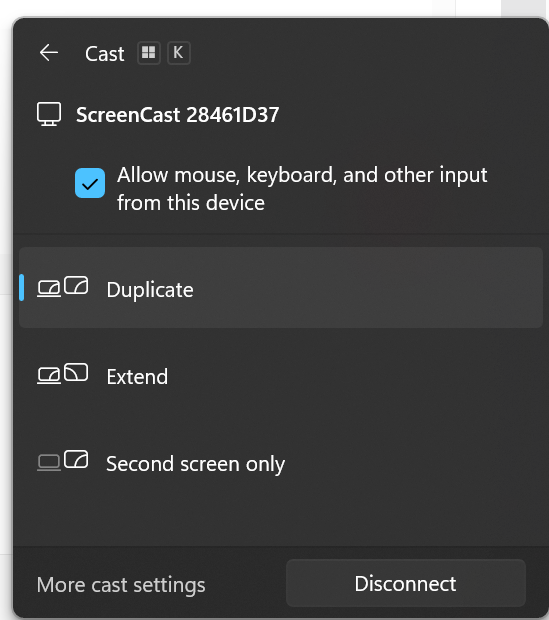
5) When you're done casting, press Windows + K on your keyboard again and select Disconnect

