

Verkada Alarm

May 18, 2026
1258

Set alarm on Keypad
- Start by touching anywhere on the home screen
- To Arm: Enter your unique key code on the touchscreen to activate the device, then select the partitions you want to arm.
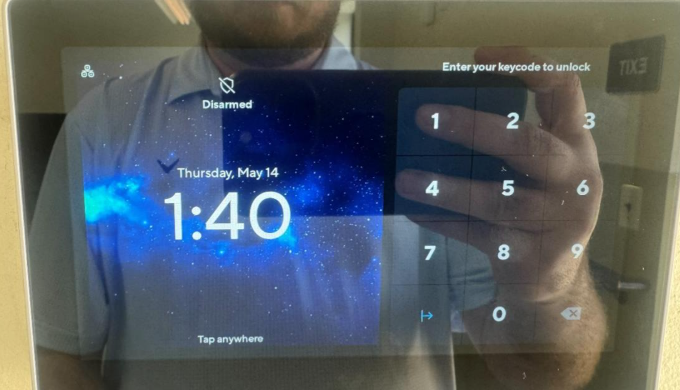
- To Disarm: Enter your key code when prompted to safely deactivate the system upon entry. The keypad will display a warning if any sensors are still active before you leave
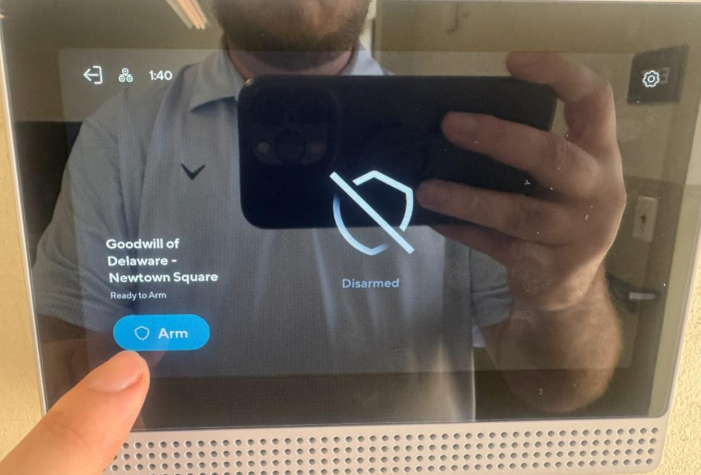
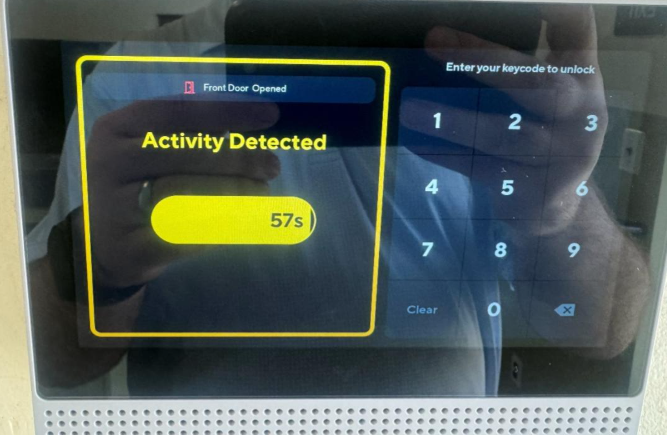
If your access permits you can disarm / arm from the Command App
- To Arm: Open the Command app, select your alarm site, and tap or click the Arm icon.
- To Disarm: Open the app, select the site, and tap the Disarm button.
- Note: You can also configure remote alarm responses directly from your smartphone or browser.
Video Instructions for Command
Verkada Alarm Team
877-845-7851

