Skip to content
You are using an unsupported browser. Please update your browser to the latest version on or before July 31, 2020.
You are viewing the article in preview mode. It is not live at the moment.
Creating App Taskbar Shortcut

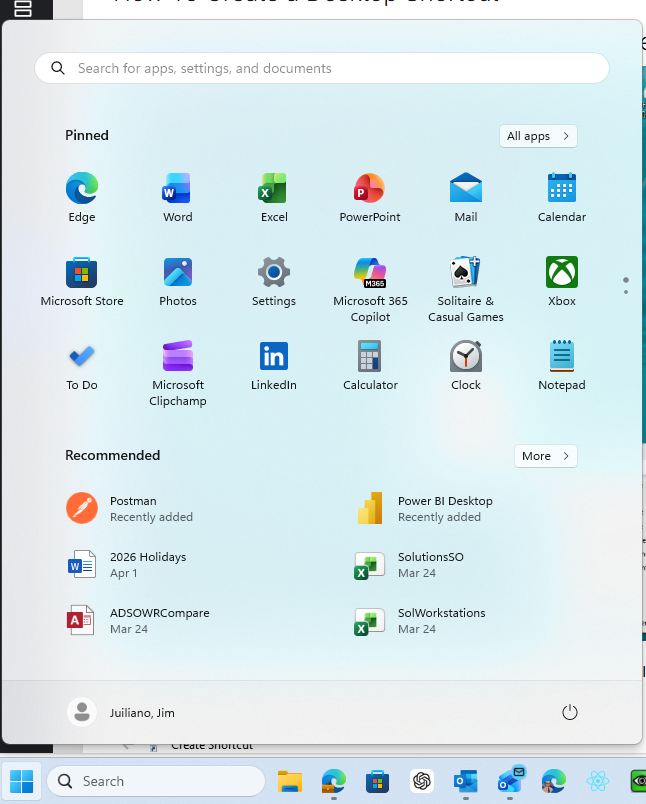
click on the windows button 


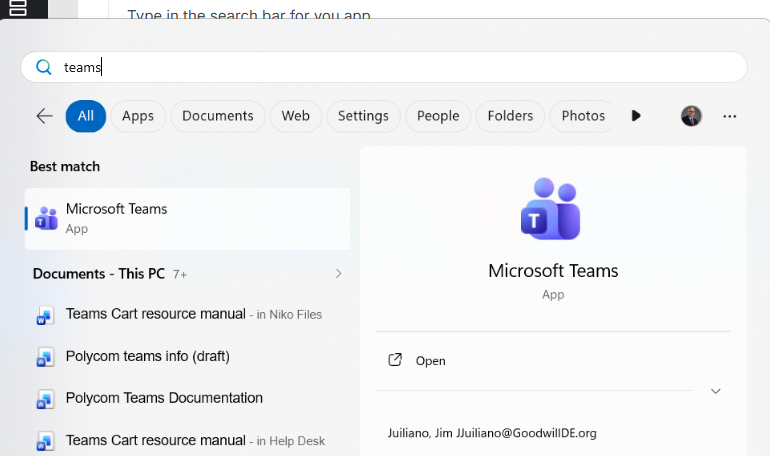
Type the app name in the search bar 
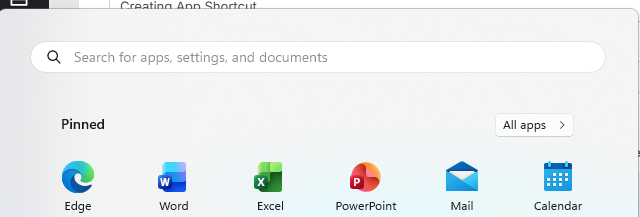


You will then see the app on you taskbar



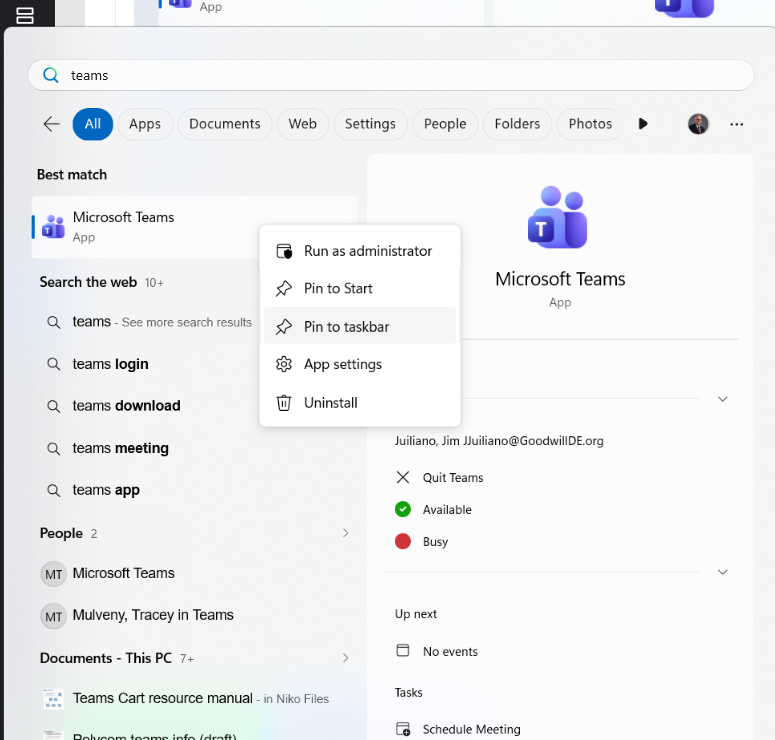
Right Click on the app and click "Pin to Task bar"


Feedback
0 out of 0 found this helpful