


Configuring YubiKey Manager for Computer Passwords

Dec 30, 2025
 106
106
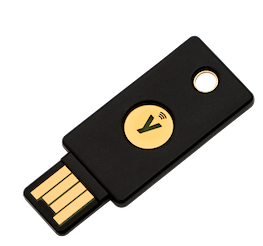
If you have a YubiKey 5 NFC, you can configure it to enter your password for you using the YubiKey Manager application on your computer.
1) Launch the YubiKey Manager app on your computer. Run the application as administrator if it doesn’t open at first
2) In the app, navigate to Applications > OTP and click the Configure button under the Short Touch (Slot 1) area.
3) Choose Static Password and click Next
4) Enable the Allow any Character option, and enter your computer password. Once you’re done, click Finish

