


 67
67
Welcome to The Goodwill of Delaware and Delaware Co. Community Room.
Procedures for logging into the community room PC.
1. With the monitor on you should see this screen
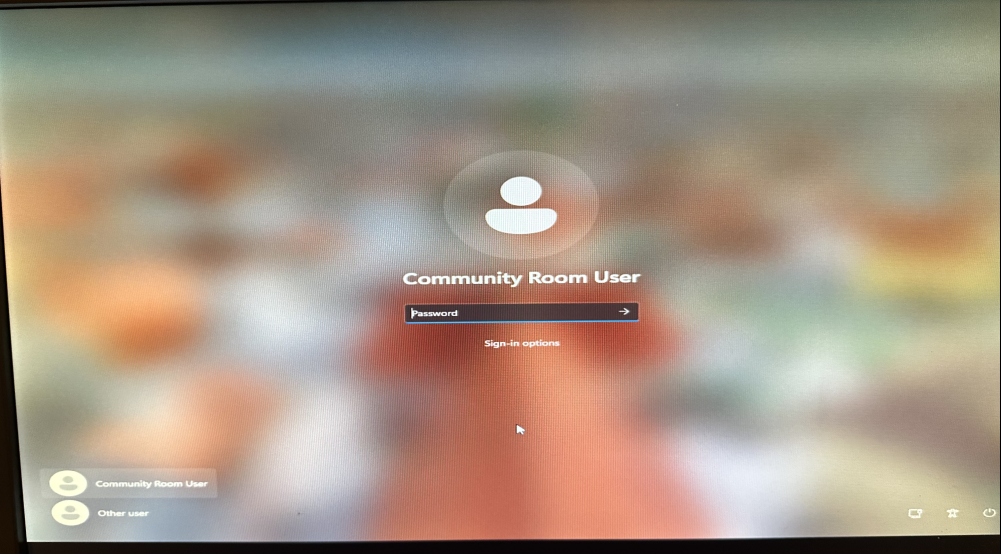
If you see Community Room User underneath the blank silhouette. use your mouse and click anywhere in the Password box.
To the right of the monitor is the Community Room PC, you will see a Black and gold dongle 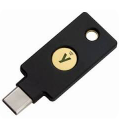 sticking out of the USB port
Simply tap the gold part that has the Y on it. This will log you into the PC
If the dongle is not in the PC, contact the IT department. You can go to our front lobby desk, and the receptionist will get a hold of us.
Not Seeing Community Room User as the user logged in.
Go to the other side ➡
After turning on the computer or taking it out of screen saver, it's possible you will see a different user than Community Room User under the blank silhouette.
You will have to take a couple more steps to login.
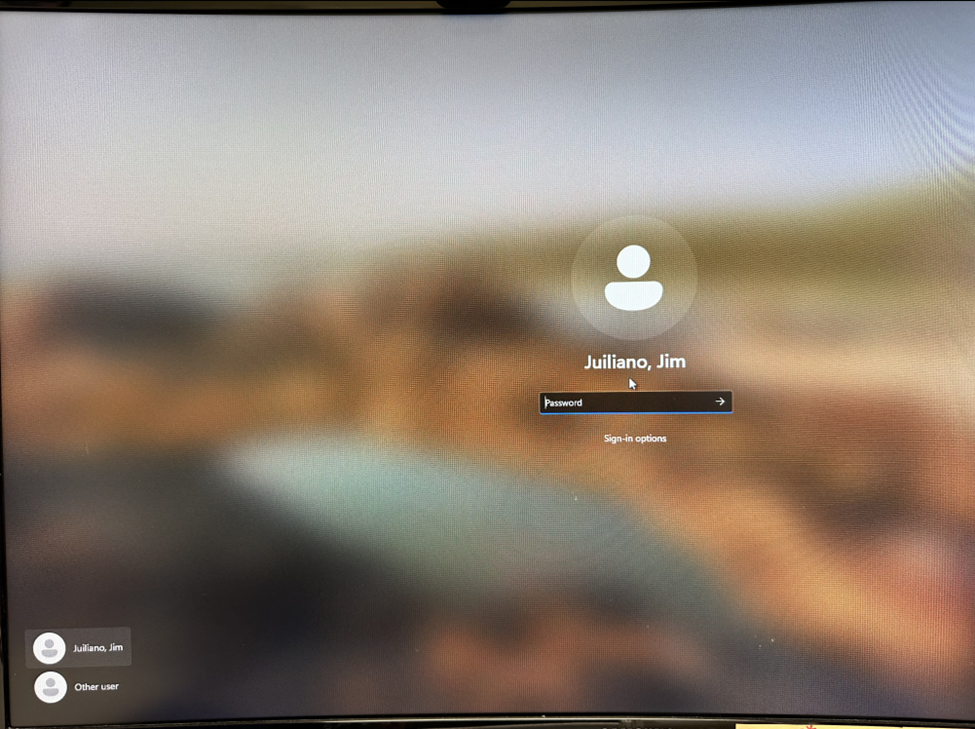
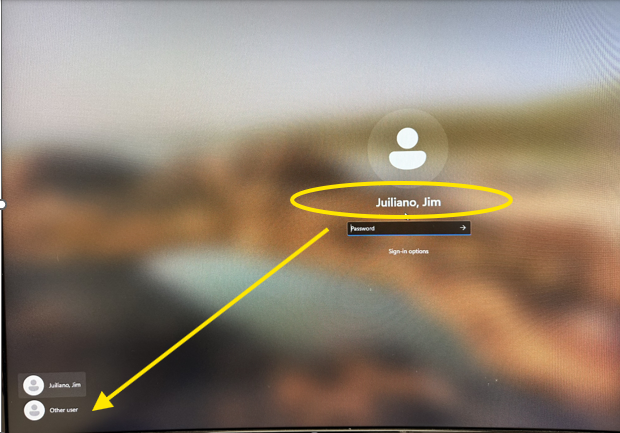
On the bottom left of the screen you will see 
Click on
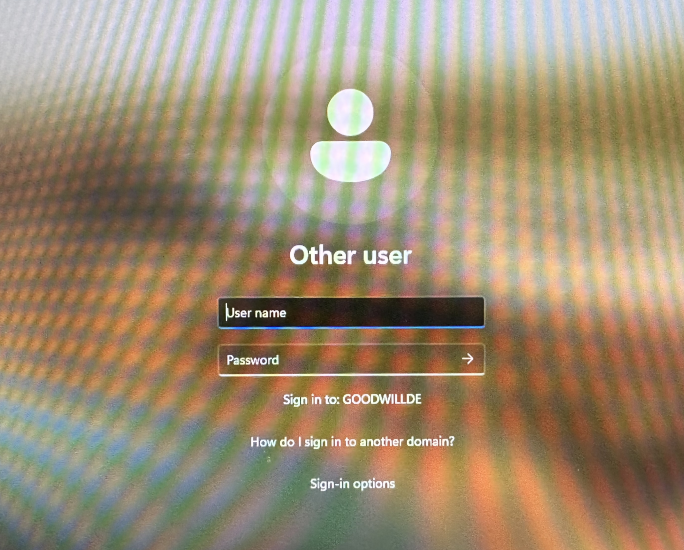
you will then see this screen
click in the username box,
Touch and hold your finger on the dongle for 2 seconds. you will see a message that reads the password is incorrect.
click ok
you will see .\user Appear, if that does not happen you will have to type in .\user (note it's a Period and a backslash)
next click in the password box the just touch the dongle and release, do not hold your finger

